WABO Asia Game Categories: Connecting the Overview with the Detail Page
Explore how WABO Asia category pages, regional links and offer details fit together, with Malaysian screenshots and the selected WABO partner sources.








This article is part of the Wabo Entertainment blog, where readers can learn about online gaming topics, platform updates, and category-specific guides. Use the links below to continue to FAQ, Terms, or related game pages.
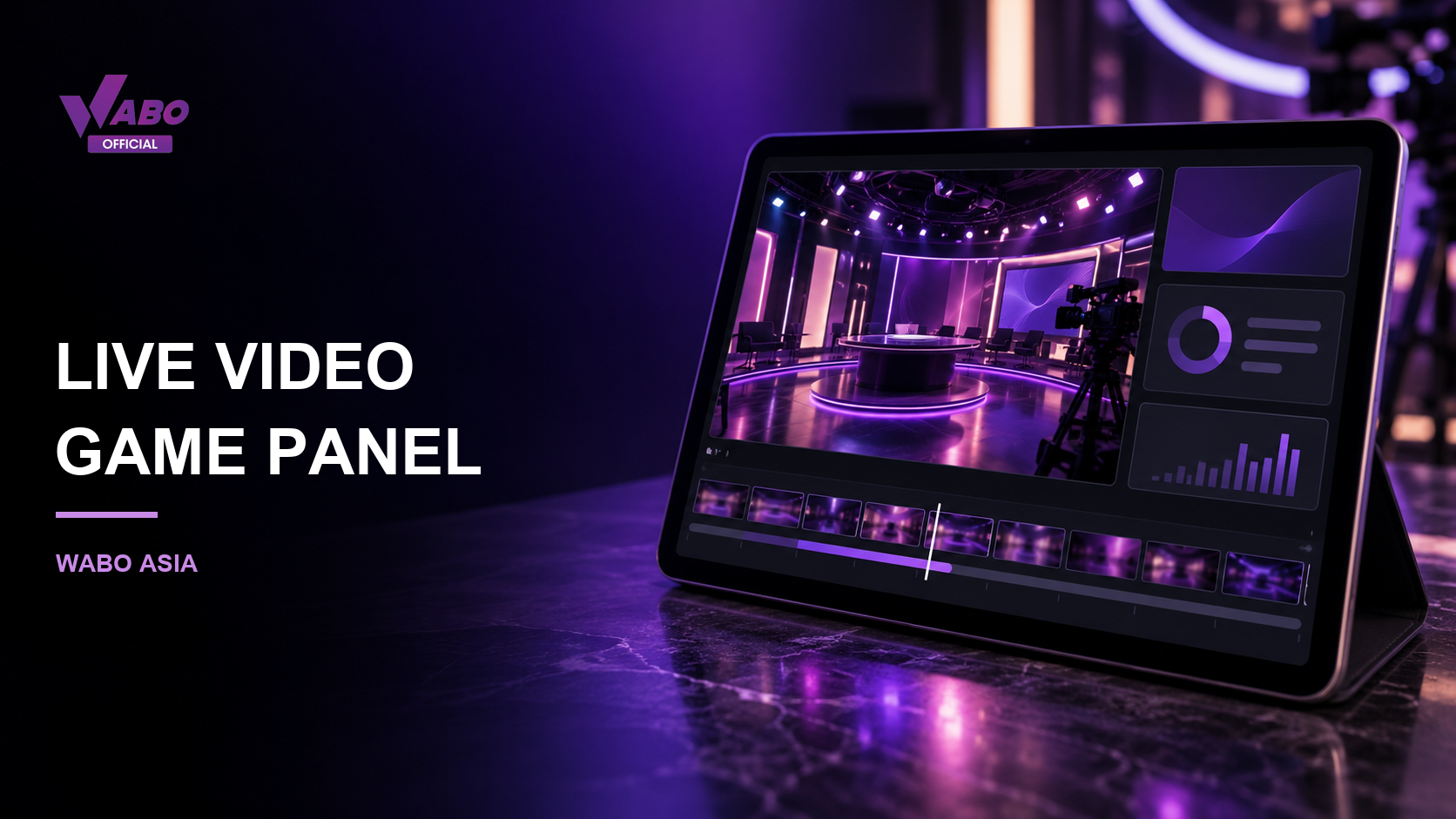
A live casino screen can look like one continuous picture, yet its parts communicate different information. A camera view shows the studio or table. A control panel displays the choices and status supplied by the game. A history area records completed rounds. Recognising those layers helps a reader describe what is happening without treating every moving element as a result.
For WABO Asia readers exploring the WABO Malaysia interface, this guide follows the screen from the public lobby to the information attached to an individual table. It explains presentation rather than recommending a wager. The supplied screenshots provide layout context; they do not demonstrate a completed live round.
Video helps establish the setting: a table, a wheel, cards or a presenter. Camera angles may change while the surrounding controls remain in place. A close shot can emphasise an object without showing every label needed to interpret the round. The useful first question is therefore what the camera actually makes visible.
For example, a wheel appearing to slow is a visual observation. A completed outcome is a separate status shown by the game. Keeping those descriptions apart makes a viewing note more accurate. It also avoids turning a brief animation, camera cut or delayed frame into a claim that an outcome has already been confirmed.
The title, supplier name and help panel tell you which game is open. Similar studio colours or familiar objects do not establish identical rules. A conventional roulette layout and a named variation may share a wheel while describing additional features differently. Read the full product name before comparing two screens.
Evolution’s own Live Roulette catalogue illustrates that distinction by presenting several named formats within one product family. That catalogue explains the supplier’s range; it does not prove which versions are currently available through WABO. Availability and the applicable help text must be checked on the particular page being viewed.
A timer needs a label. It might refer to an open decision period, a transition or the next round. A changing number alone does not tell a reader which stage is active. Pair the countdown with the adjacent status message and the round identifier if one is shown.
When writing down a question, describe the sequence: which label appeared, what changed and which screen followed. That provides more useful context than saying that the screen was slow. Do not assume that a delayed video frame changes the game’s recorded state, or that a public demonstration confirms how an individual account was handled.
A history row can contain a time, outcome symbol or round number. Keep those fields together. A row detached from its table name loses the context needed to understand what it records. Likewise, a screenshot of recent outcomes does not explain how a differently named table works.
If you need clarification, preserve only the relevant non-sensitive information and use the service’s published help route. The purpose is to identify the item being discussed, not to assemble an entire account history. Avoid including passwords, verification codes, payment details or other people’s chat messages in an image shared for assistance.
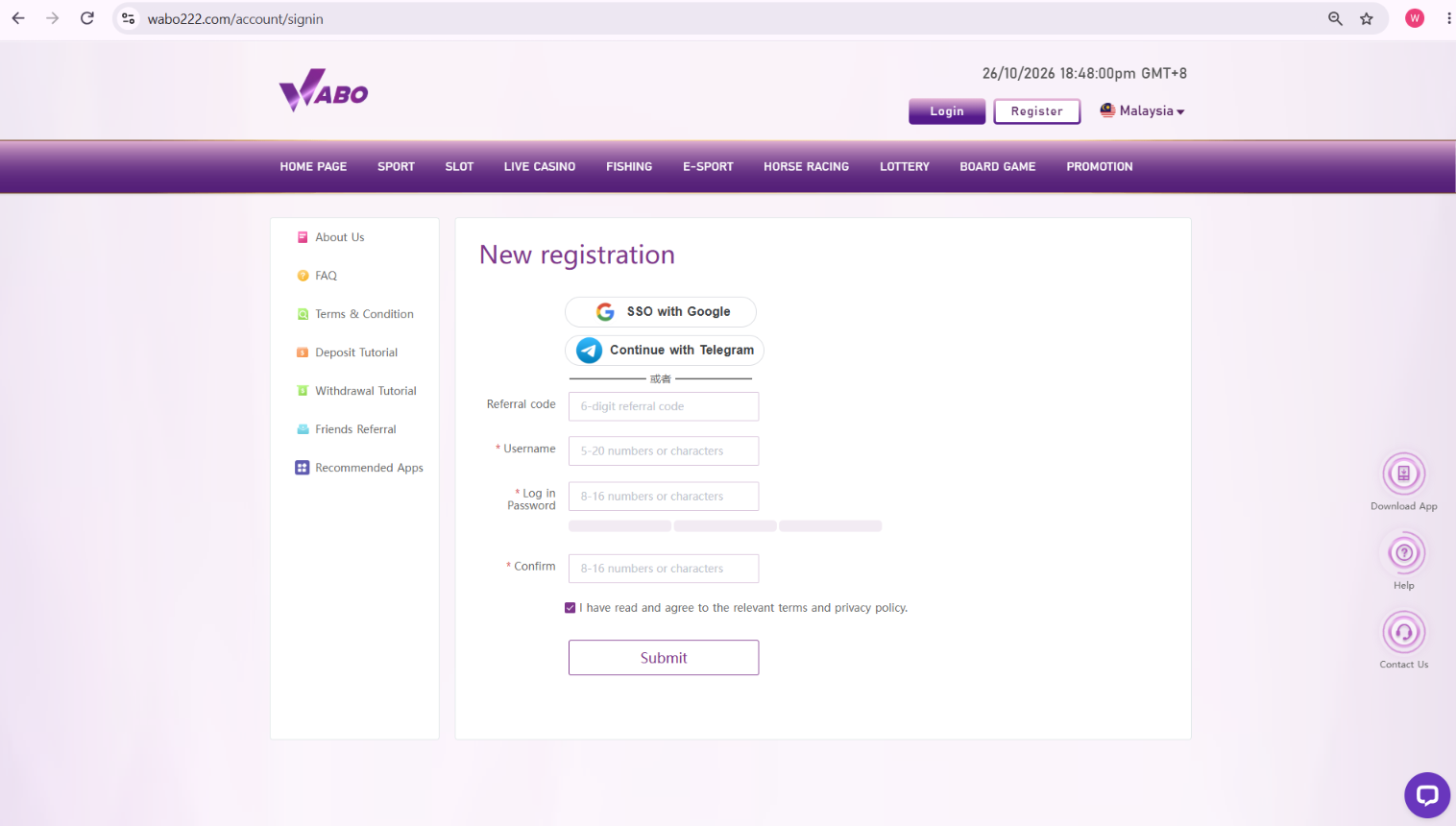
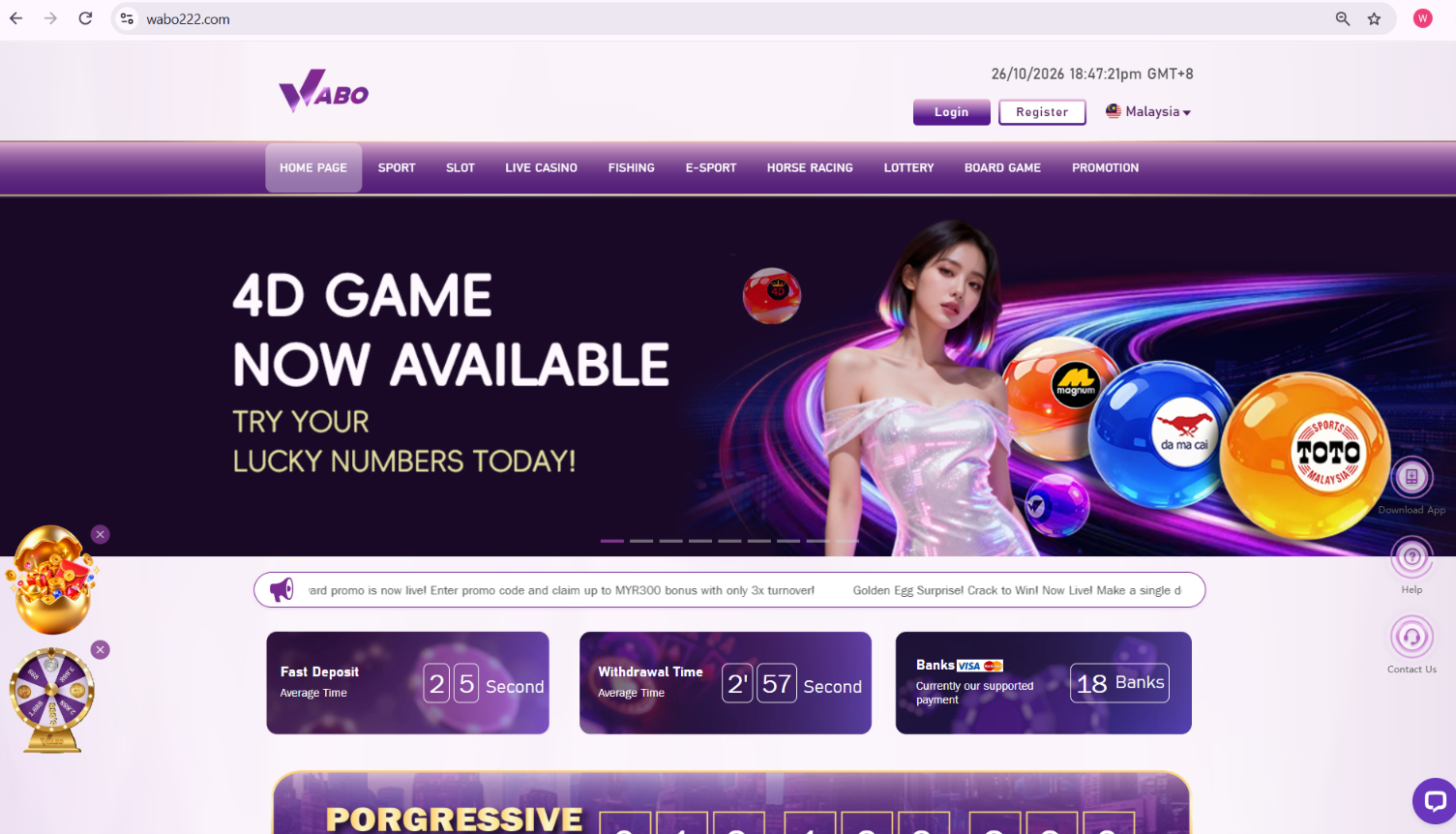
The Malaysian homepage screenshot included here shows broad navigation and an account area. It is useful for recognising the entrance to a category, while the category’s table page supplies more specific information. A registration screenshot serves another purpose again: it illustrates an account interface, not the operation of a live game.
For a focused visit, identify the category, open the relevant explanation and keep the product title with your notes. You can read information without treating an offer banner as part of the table rules. Where a detail remains unclear, pause at that point and obtain the missing explanation instead of filling the gap from a different product.
The partner profiles below provide brand background. The topic-specific source supports the explanation above; none of these links replaces a particular service’s current rules.
Continue with WABO MY.
The video shows the scene. Read the particular game’s result status and round record to identify a completed item.
No. Keep the full product name, supplier and current help panel together when comparing formats.
No. They are previously supplied homepage and account references, included to explain the surrounding layout.
Start with the category and exact table title, then locate its help text and the labels beside its controls.